AI Short Video Maker with MAGI-2
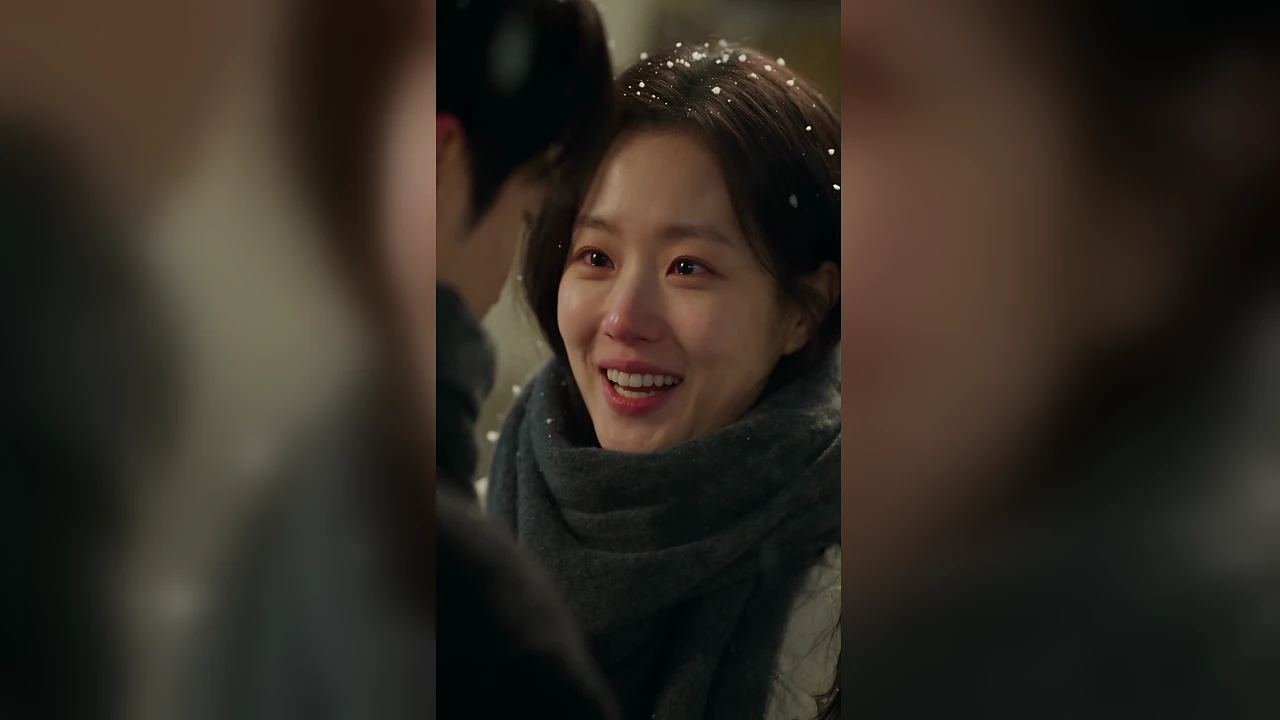
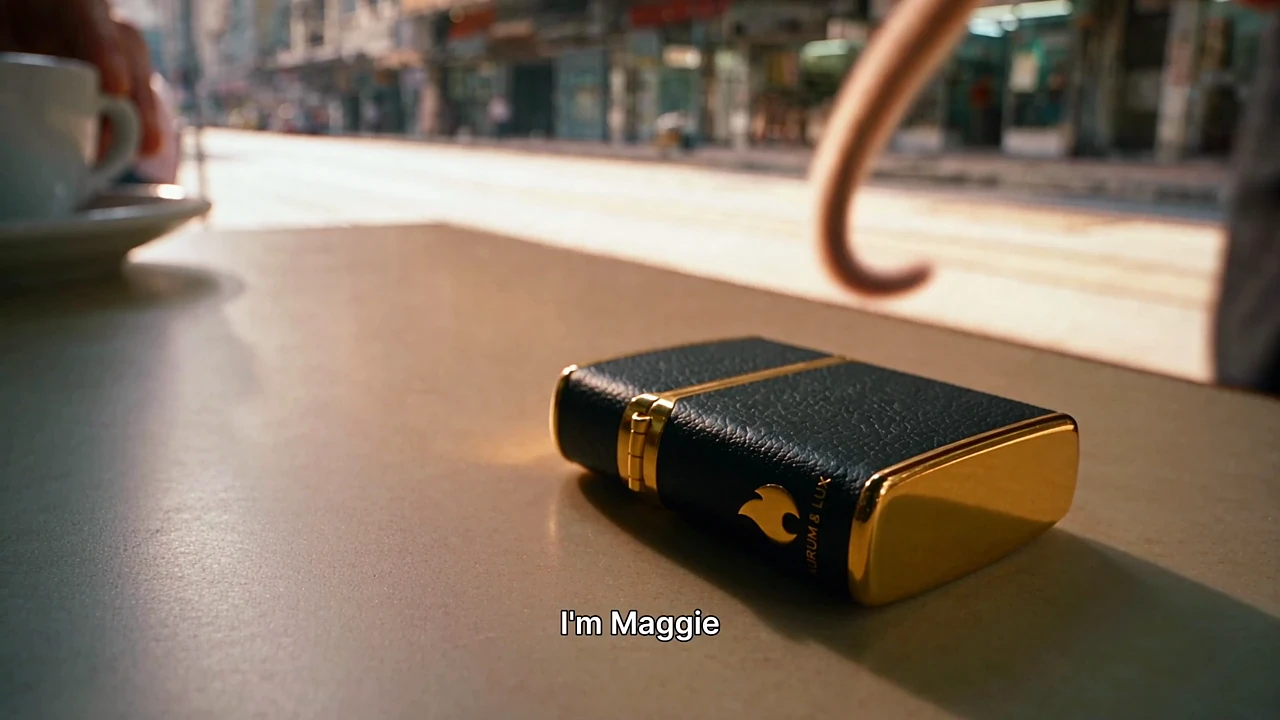
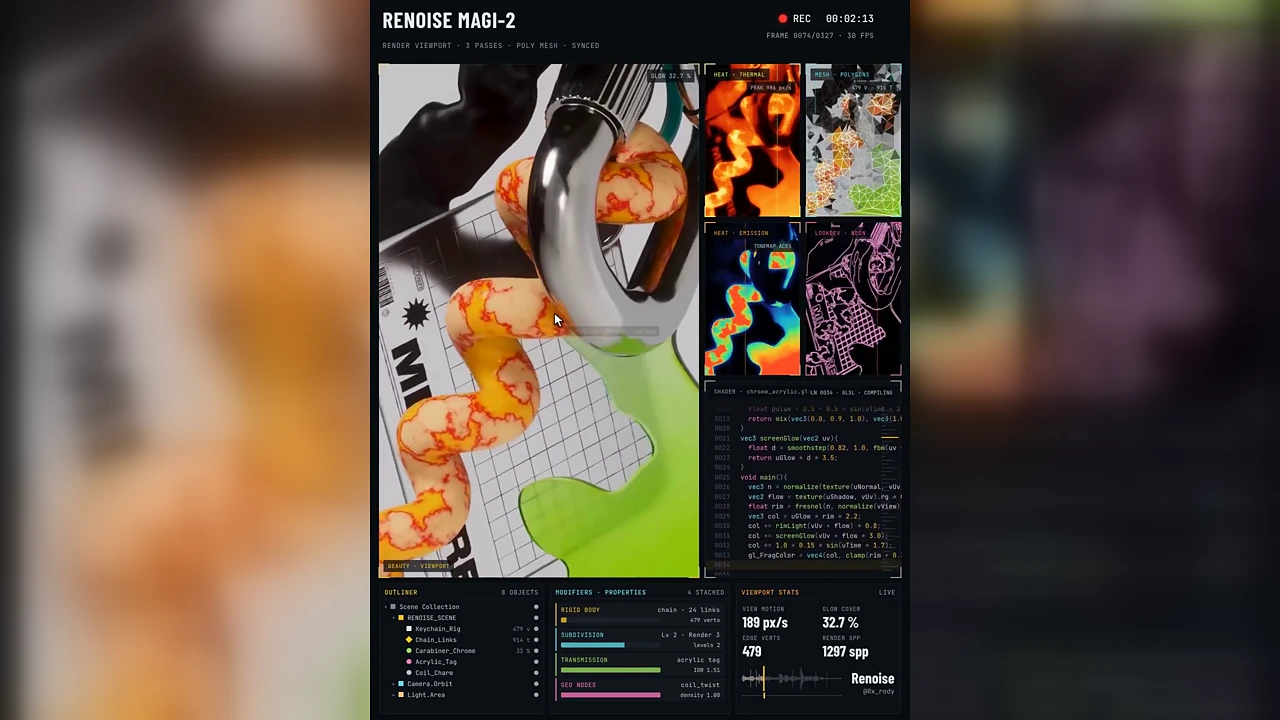
Create native 9:16 and 3:4 vertical AI videos from 4 to 30 seconds at 1080p 25 fps with synchronized audio for TikTok, Instagram Reels, and YouTube Shorts.
3-Step Vertical Short-Form Method
- 1. Center subjects for 9:16 safe zones: Leave headroom and bottom margin so captions and UI overlays never cover key details.
- 2. Open with immediate motion: State a clear subject action and camera move in the first beat to earn early watch-time.
- 3. Structure 15–30s beats: Break multi-shot shorts into chronological beats—see our full MAGI-2 Prompt Guide for templates.
Copy-Ready 9:16 Vertical Prompts
Vertical 9:16 close tracking shot outside a rain-slick Tokyo convenience store at night. An orange tabby cat hops onto a wooden crate and looks straight into the lens as warm neon bokeh shimmers behind. Gentle rain and city ambiance.
Keep the creator’s face and cream knit cardigan from Image 1. Beat 1 (0–7s): Medium vertical shot in a sunlit kitchen as she lifts a ceramic mug and smiles toward the camera. Beat 2 (7–15s): Smooth push-in toward rising steam over the cup with warm natural room tone.
Short Video FAQ
Should I generate 5-second hooks or full 15–30s vertical shorts?
Use 4–8 second clips (16–32 credits) when rapidly testing opening hooks, and switch to 15–30 second multi-beat scripts when you want a continuous product reveal or dialogue sequence in one render.
Can I turn off audio for voiceover editing in CapCut or Premiere?
Yes. Toggle native sound off in the workbench whenever you plan to record your own voiceover and music bed in post-production.