 Video studio
Set the shot, try a reference, and preview an example from the MAGI-2 release.
Build a scene in three steps
Start with a subject and an action
Give the shot one clear idea. Add a reference frame when continuity matters.
Choose a frame for the story
Use a wide frame for environment or a vertical frame when the subject should fill the screen.
Preview and adjust
Play a sourced example, then refine the prompt and compare your notes.
Scenes worth watching
See how creators use Magi2 to bring their ideas to life, from text prompts to animated scenes.
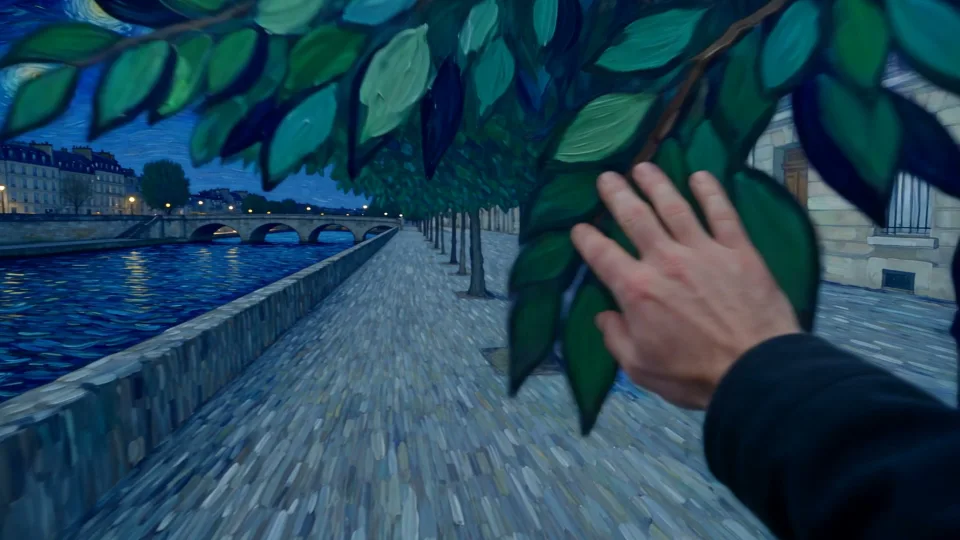
Through five art styles
An official reference-guided sequence that moves through five different visual treatments.
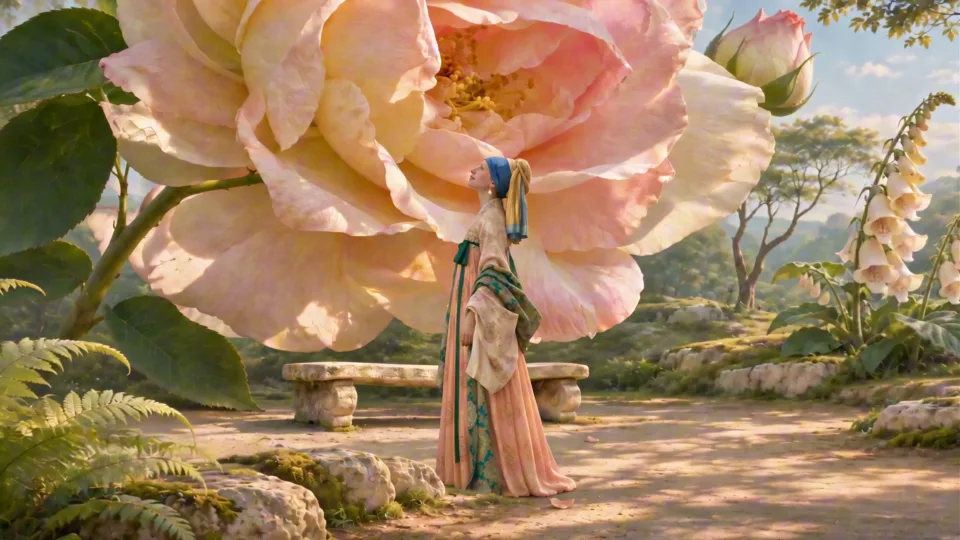
Into the giant flower world
A character-driven sequence that demonstrates consistent appearance across a changing environment.
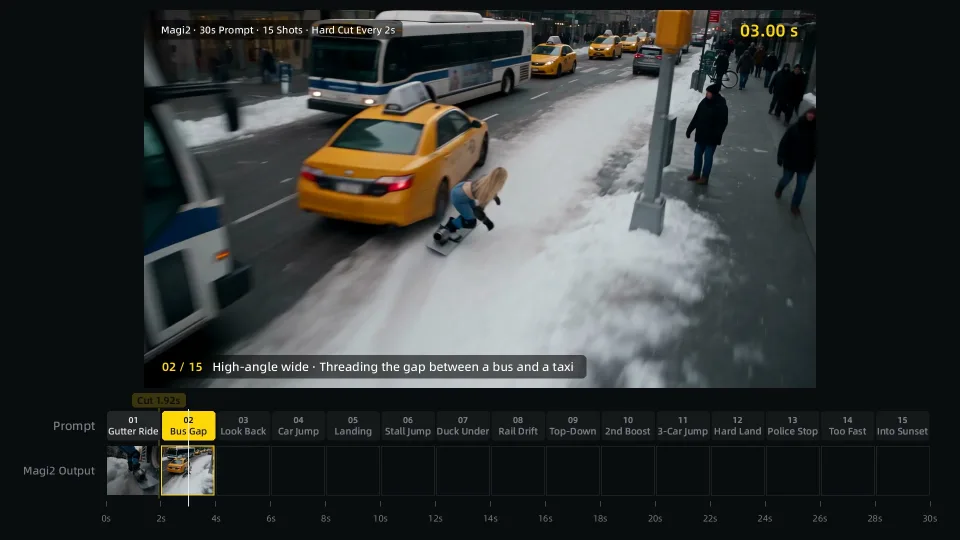
Timeline and shot control
A script-directed sequence demonstrating shot changes and timing from the MAGI-2 release.
Frequently asked questions
Is Magi2 really free to use?
Yes! You can generate up to 5 videos per day on the free plan with no credit card required. Upgrade to Pro or Ultimate for more generations and higher quality.
How long does video generation take?
Most videos are ready in under 60 seconds. Generation speed depends on the model, video length, and current server load.
Can I use generated videos commercially?
Free and Pro plans allow personal use. The Ultimate plan includes a full commercial license for all generated content.
What video formats and resolutions are supported?
Free plan exports at 480p MP4. Pro plan unlocks 1080p HD. Ultimate plan supports up to 4K resolution with multiple format options.