
How to write an AI video prompt
Give your scene a subject, one clear action, and a camera that knows where to go.
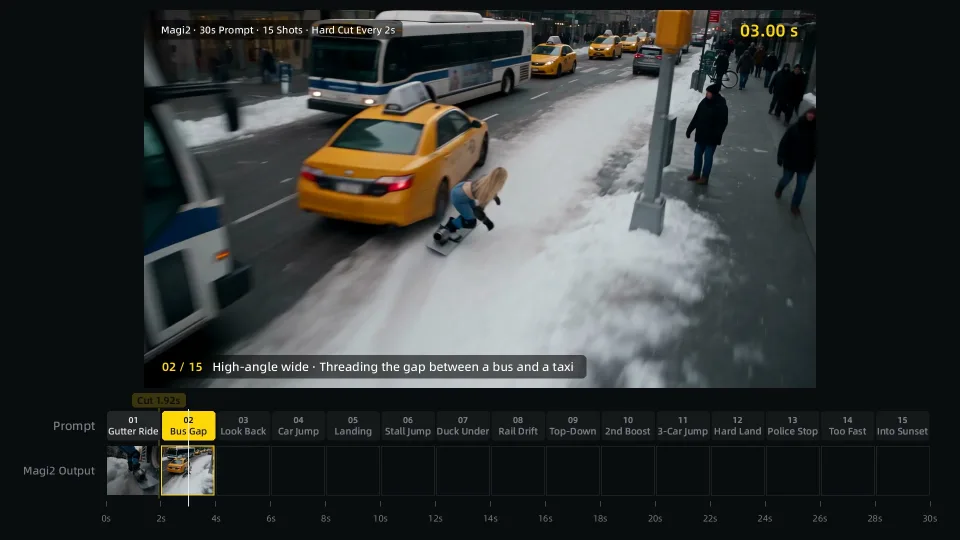
A useful video prompt describes what changes over time. Start with something you could direct on set, then add atmosphere and detail in a second pass.
Begin with one action
Write a subject, a verb, and a place. “A cyclist rounds a bend on a foggy coastal road” gives a model more direction than a list of visual adjectives. Keep the first version to one continuous shot so you can tell what a later edit changed.
Give the camera one job
Name an angle and a move. A low tracking shot emphasizes speed. A locked wide shot lets the environment do most of the work. Pair the move with what the viewer should see at the end of the shot.
Use the frame to support the scene
Wide frames leave room for geography and motion. Vertical framing draws the eye toward a subject and is handy for portrait-oriented edits. Leave space around the subject in the opening frame if the action will need it.
Try your own version in the text-to-video demo, or watch the MAGI-2 timeline example for a longer sequence. The example was published by Sand AI.