
Animate a still image with a clear first frame
Build a motion brief around a reference image and keep the details that matter in view.
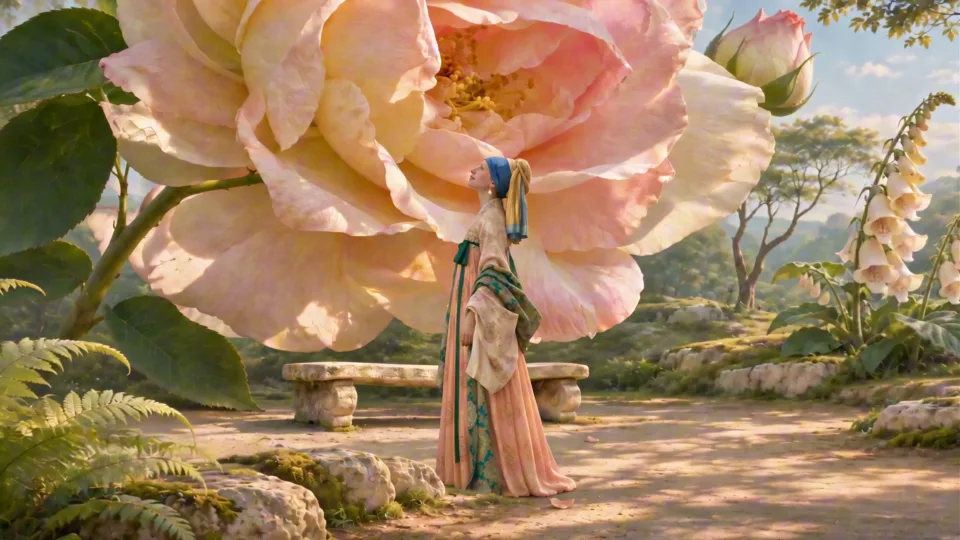
An image gives a video model a composition to work from. Your motion brief can focus on the parts of the picture that should move, how fast they should move, and what should stay recognizable.
Set up a usable first frame
Use an image with clear edges and space around the subject. A clean silhouette makes it easier to describe motion, and spare room in the composition gives the camera somewhere to go.
Say what to preserve
If a character, object, or logo needs to stay recognizable, name it. Then describe the movement as a separate instruction: for example, preserve the subject’s outfit, push the camera forward, and let the foreground petals drift.
Review continuity
When watching a clip, compare the opening and closing frames. Look for changes in proportions, lighting, or details that were supposed to stay fixed. A gentle move is a helpful first test before trying a larger camera turn.
Open the image-to-video demo to try a local reference image. Into the giant flower world shows one approach to character continuity in the official MAGI-2 release.